 DocStitch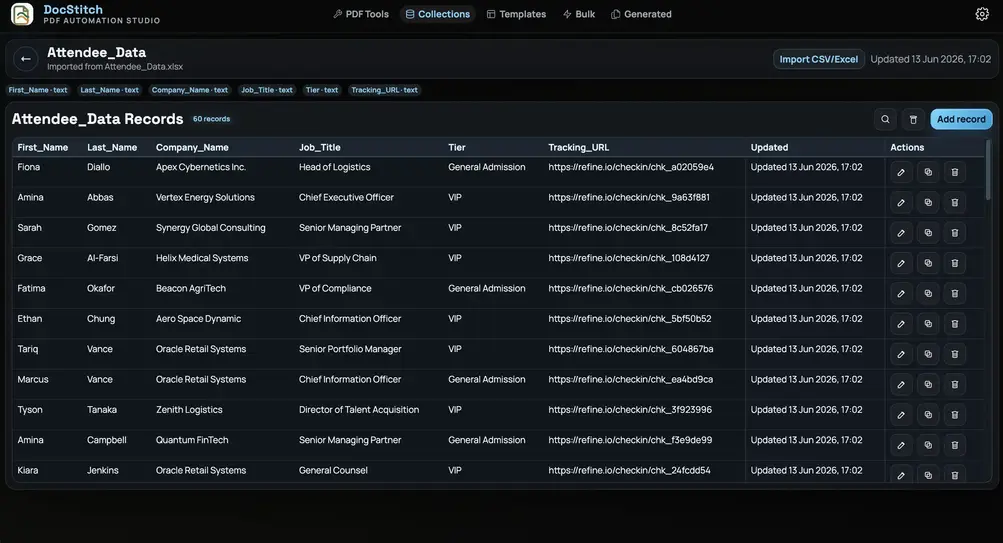
Step 01
Import spreadsheet records
Bring CSV or Excel records into a reusable collection. Review the fields that will drive each personalized document.
See a practical guideFollow the core DocStitch workflow from importing structured data to generating, organizing, and preparing personalized documents for printing.
Each step uses the same local workspace, so your templates, records, generated files, and Print Masters stay connected.
Bring CSV or Excel records into a reusable collection. Review the fields that will drive each personalized document.
See a practical guide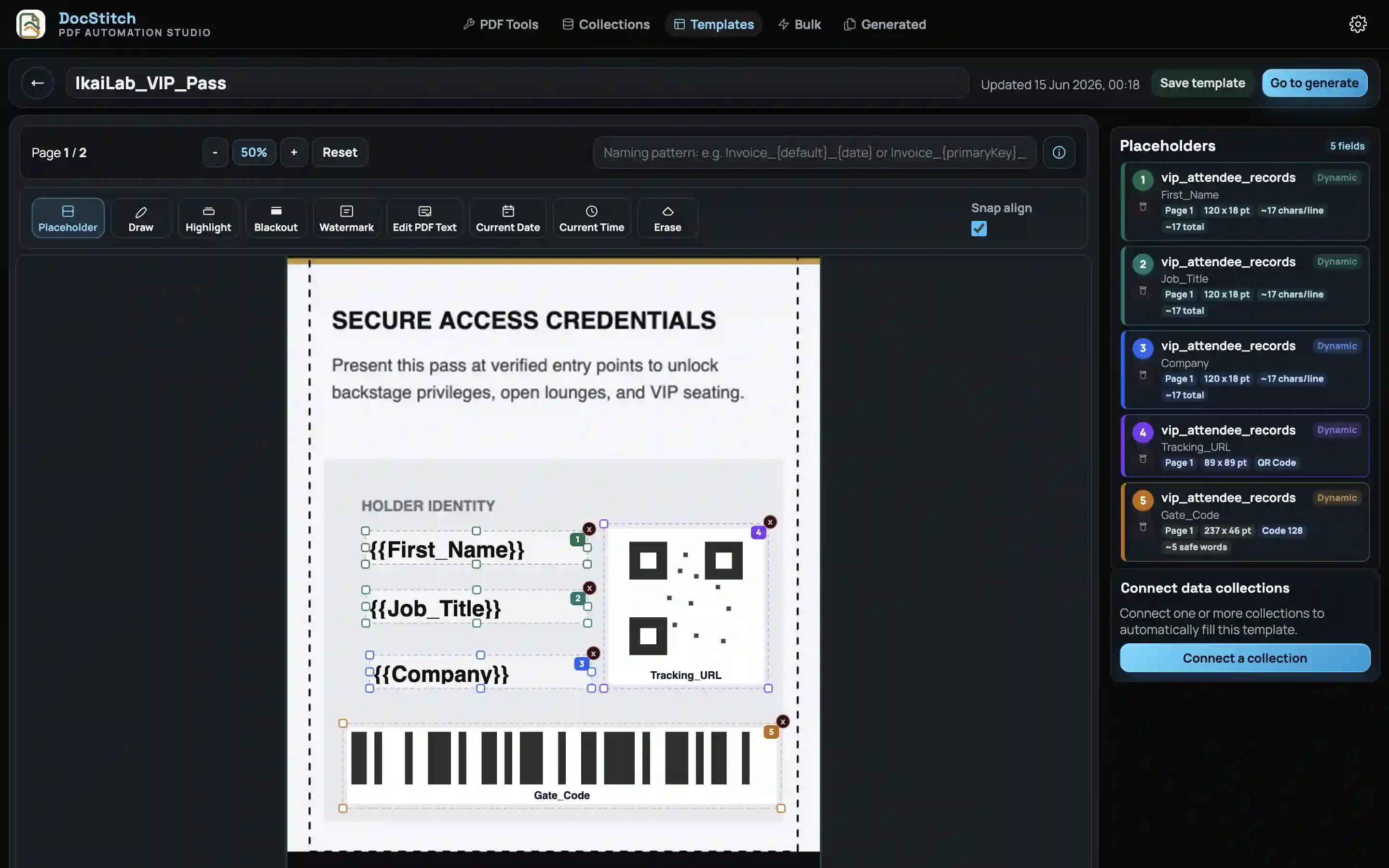
Start from an existing PDF, position the required fields visually, and connect matching collection fields to template placeholders.
See a practical guide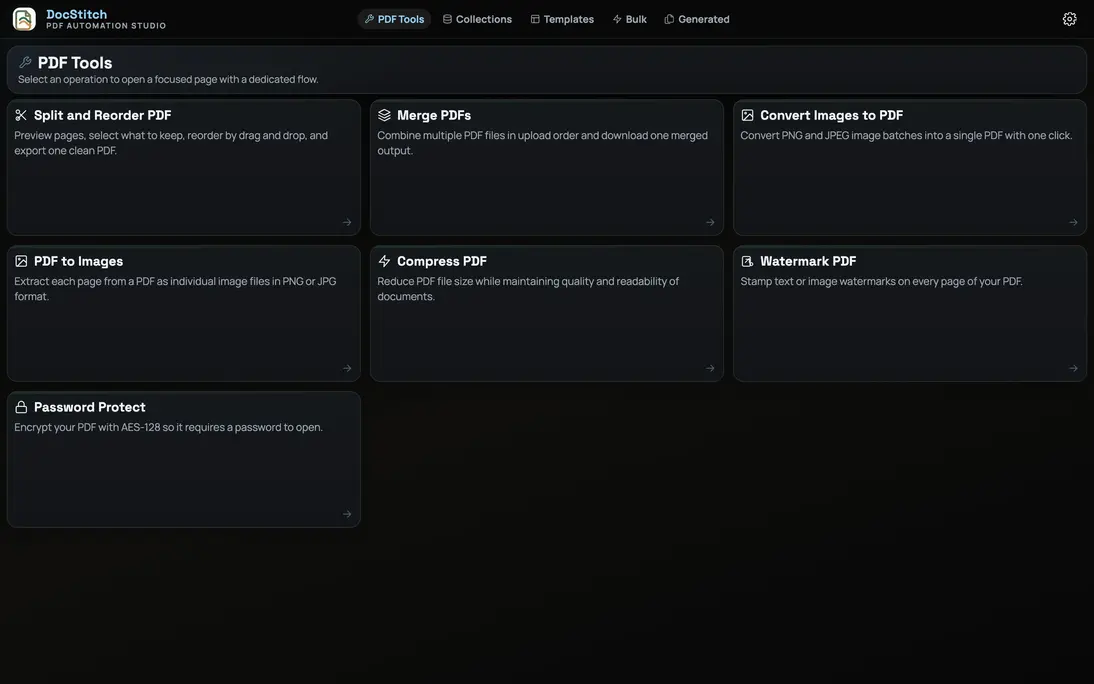
Connect the template, collection, record selection, PDF preparation steps, delivery choices, and result settings in one repeatable run.
See a practical guide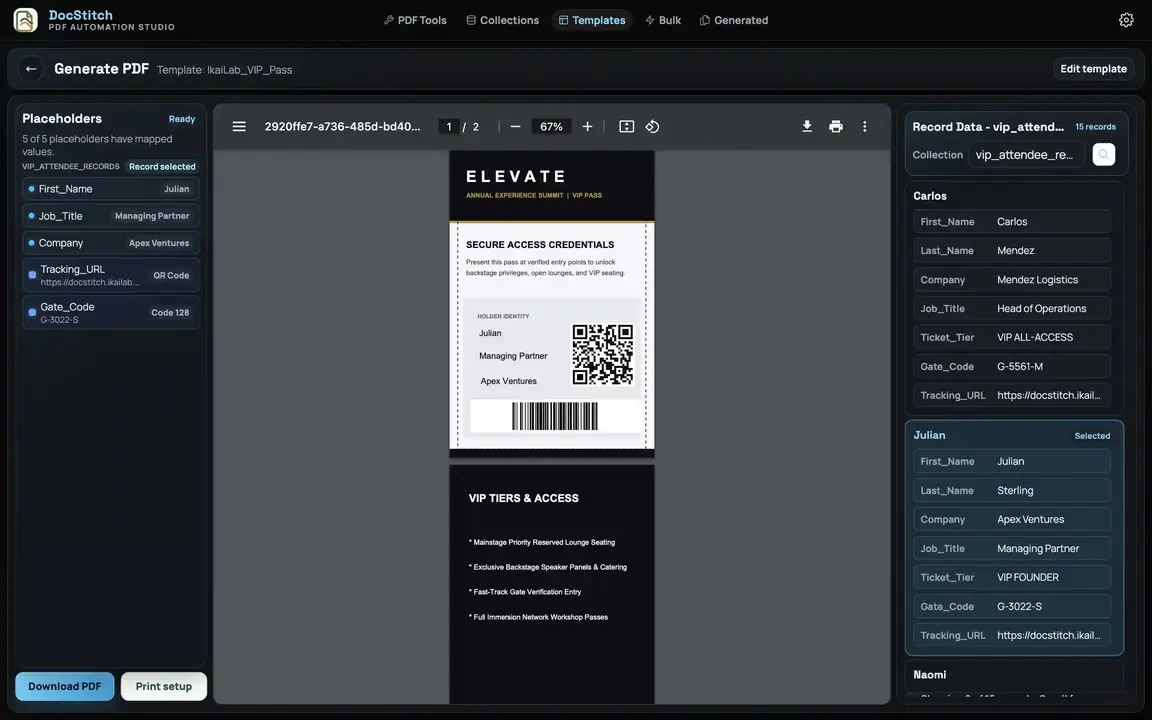
Check representative records, generate individual documents or a bulk set, apply saved PDF steps, and create organized output filenames.
See a practical guide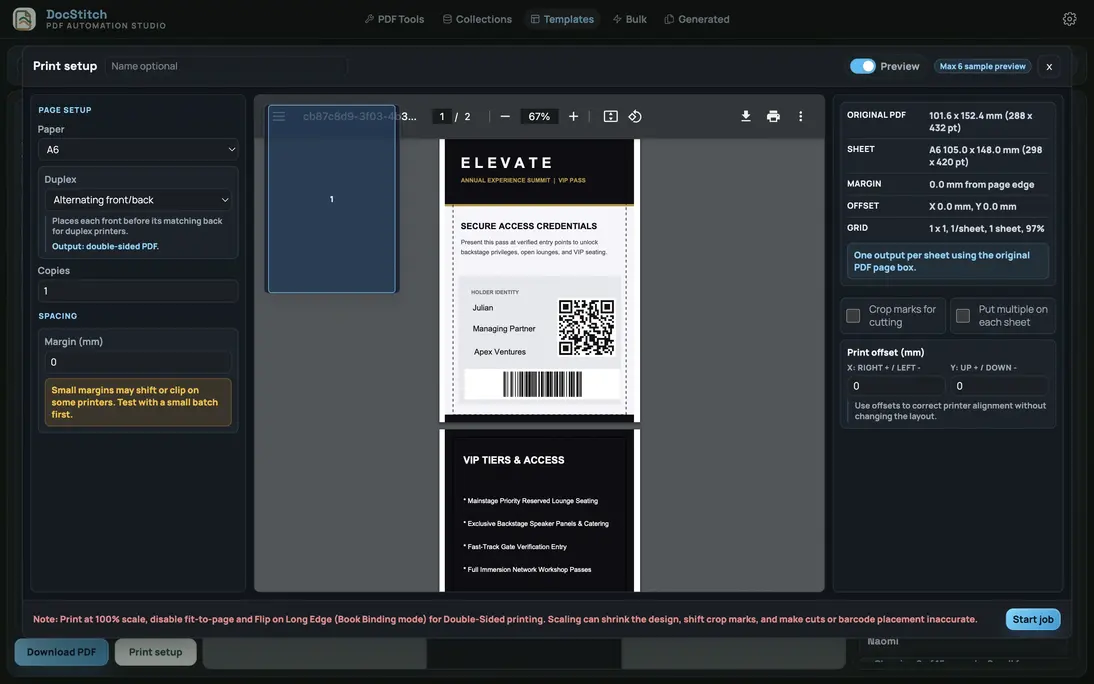
Arrange labels, cards, badges, tickets, and other cut-and-distribute items onto print-ready sheets with paper, crop-mark, duplex, margin, and offset controls.
See a practical guide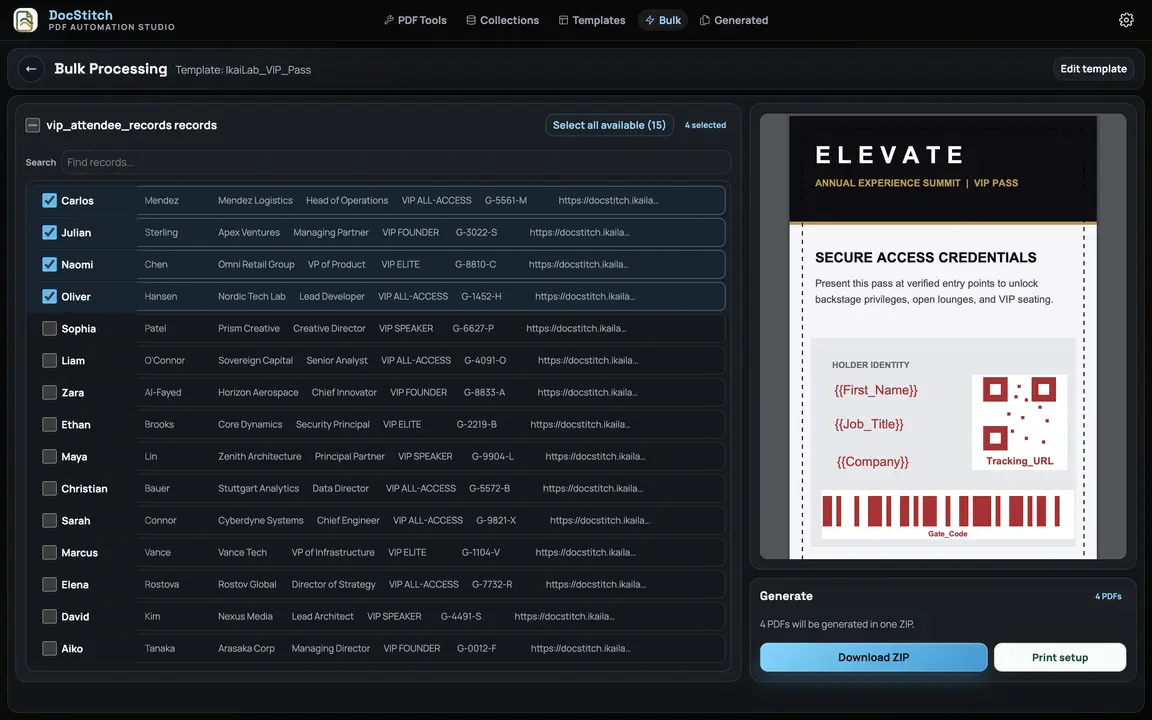
Return to templates, collections, Pipeline runs, generated PDFs, bulk jobs, and Print Masters from one workspace when the next document run arrives.
See a practical guideUse these capabilities while building templates, preparing values, generating outputs, or finishing PDF work.
Use the resource guides for specific operational workflows and printing scenarios.
Connect employee records to an approved offer-letter template and generate organized outputs.
Finance OperationsTurn exported billing records into consistently formatted customer documents.
Print MasterPlan front-and-back output, alignment offsets, page arrangement, and separate print files.
Codes and LabelsGenerate QR codes, barcodes, and DataMatrix codes from record data inside reusable documents.
Education OperationsGenerate course certificates, enrollment letters, admit cards, and recurring student documents from institute records.
Training OperationsConnect participant records to reusable certificate templates and prepare organized certificate batches.
Assessment DocumentsTurn assessment records into personalized result sheets, scorecards, grade reports, and rating documents.
Event OperationsCreate participation certificates, speaker acknowledgements, badges, passes, and print-ready event materials.
Build a reusable template, connect spreadsheet data, and generate or prepare documents for printing from your desktop.